Comments
A comment is a private note to yourself about a ticket. Only you can see it: other staff and customers cannot, and it is not part of the ticket’s conversation. Use it for anything you want to remember next time you look at the ticket.
To tell your colleagues something, add a staff note to the ticket instead. See Response types.
Writing a comment
Click the speech bubble in the ticket header, type your note and click Save.
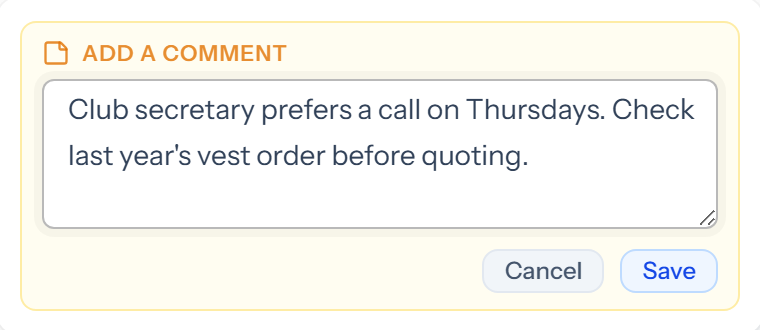
You can have one comment on each ticket, of up to 2,000 characters.
Finding it again
- On the ticket, the speech bubble turns amber. Hover over it to read the comment, or click it to change or delete it.
- In the ticket browser, the eye icon on a card that peeks at the last response becomes a speech bubble. Hover over it to read your comment, or click it to see the comment with the preview.