Recurring tasks
A recurring task creates a task on a schedule, for jobs that come round regularly. Administrators manage them at Workflow → Recurring tasks. You need at least one queue that holds tasks: see Queue configuration.
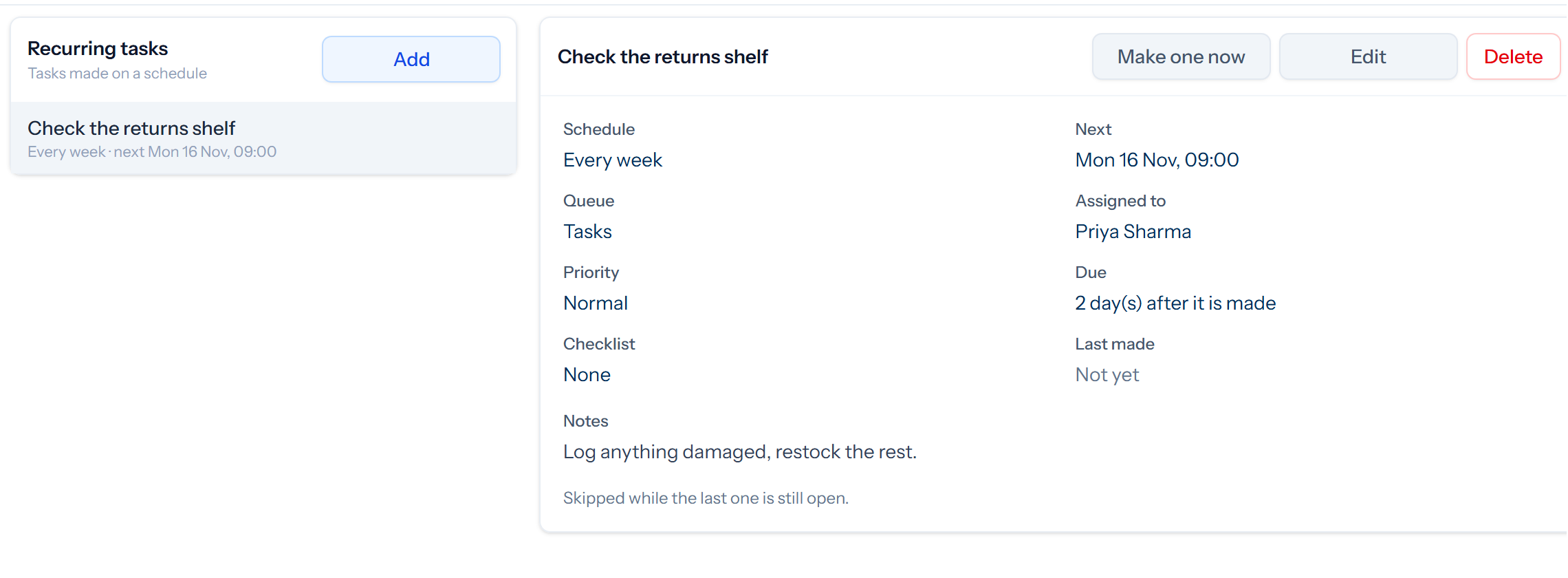
Setting one up
- Task is the subject of each task. Notes become its first note.
- Queue, Assigned to and Priority are set on each task.
- Starting … every … sets the first time and how often it repeats, in days, weeks or months, with an optional end date.
- Due is how many days after it is made the task falls due.
- Checklist adds a checklist to each task.
- Skip while the last one is still open stops tasks piling up if one has not been finished.
Make one now creates a task straight away. Deleting a recurring task stops new ones being made, and the tasks it has already made stay.