SLA targets on tickets
Where your administrator has set up SLA policies, tickets carry a target for the first reply, for resolving the ticket, or both.
In the ticket list
A chip on the ticket shows the next target still running, and how long is left. It turns amber when the target is at risk and red once it is overdue.
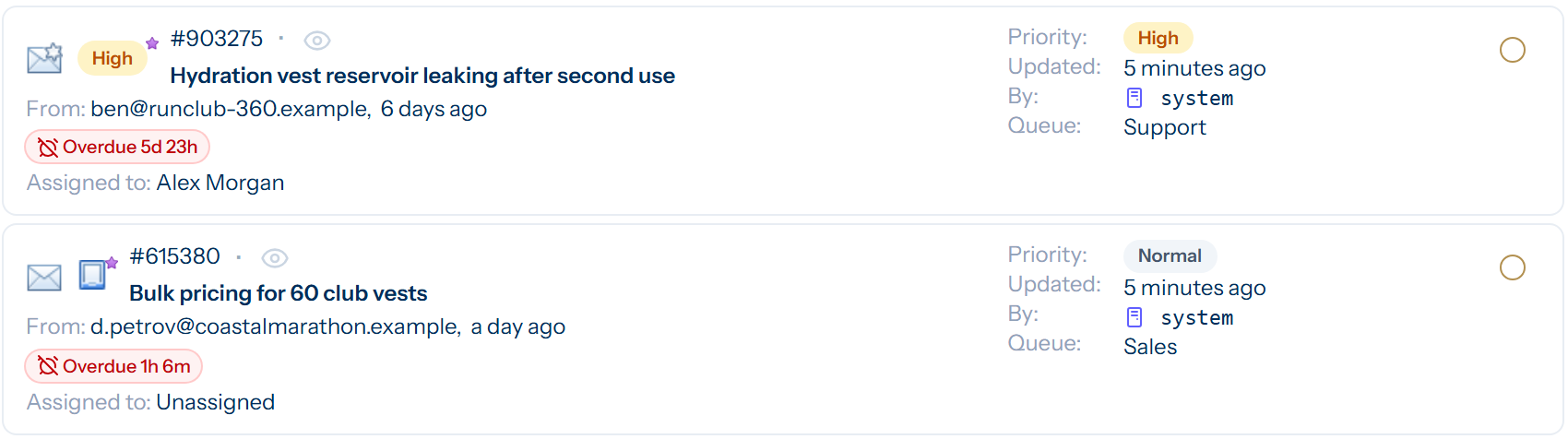
On hold, the chip reads SLA paused, because the clock stops until the ticket is open again.
On the ticket
The ticket details show Respond and Resolve lines. Each gives the time the target is due, or says that it was met, missed or paused.
What counts
- The first-response target is met by a reply to the customer. A staff note does not count.
- The resolution target is met by closing the ticket. If the ticket is reopened, the clock carries on from where it stopped.
- Tasks have no SLA targets. They have due dates instead.
Finding tickets by SLA
A perspective can filter on SLA and sort by SLA due, which makes a useful list of what needs attention first.