Checklist templates
Ready-made checklists save staff from typing the same steps each time. Administrators manage them at Workflow → Checklists.
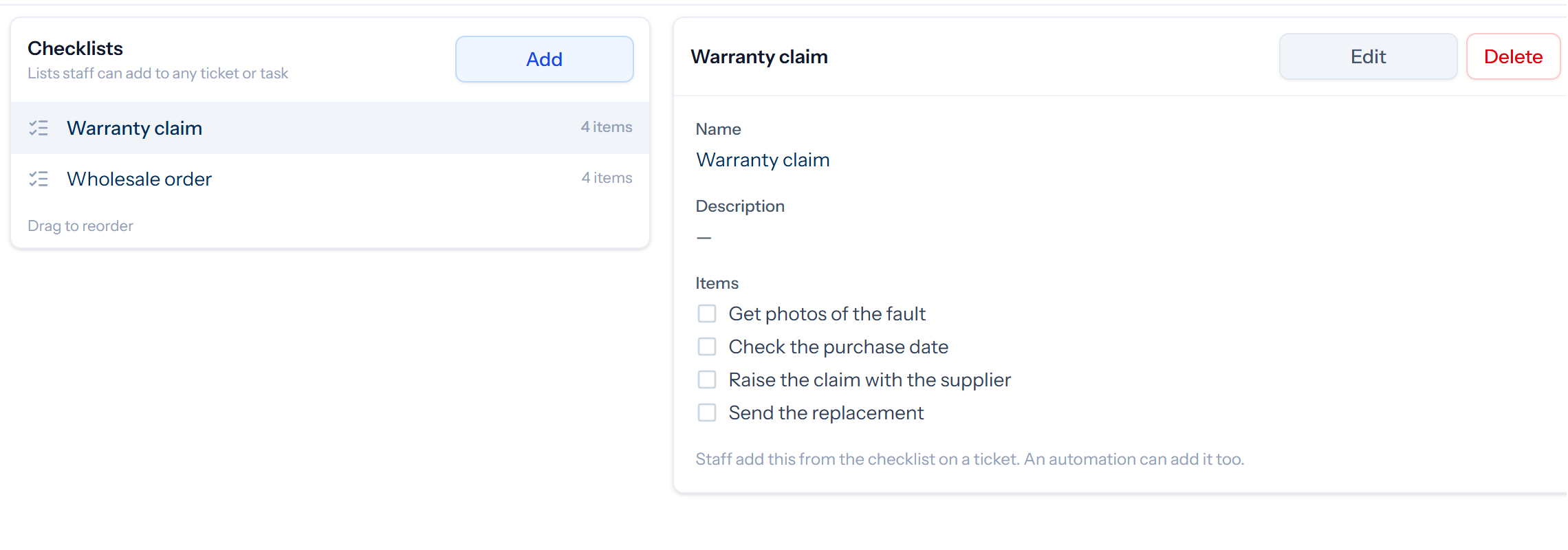
Click Add, give the checklist a name, and enter its items. Press Enter after an item to start the next, and drag items to put them in order. The order of the lists on the left is the order staff see them in.
Using them
- Staff add one from the menu on a ticket’s checklist.
- An automation can add one, for example when a ticket arrives in a returns queue.
- A recurring task can start with one.
A ticket gets its own copy of the items, so later changes to the template leave existing tickets as they are.